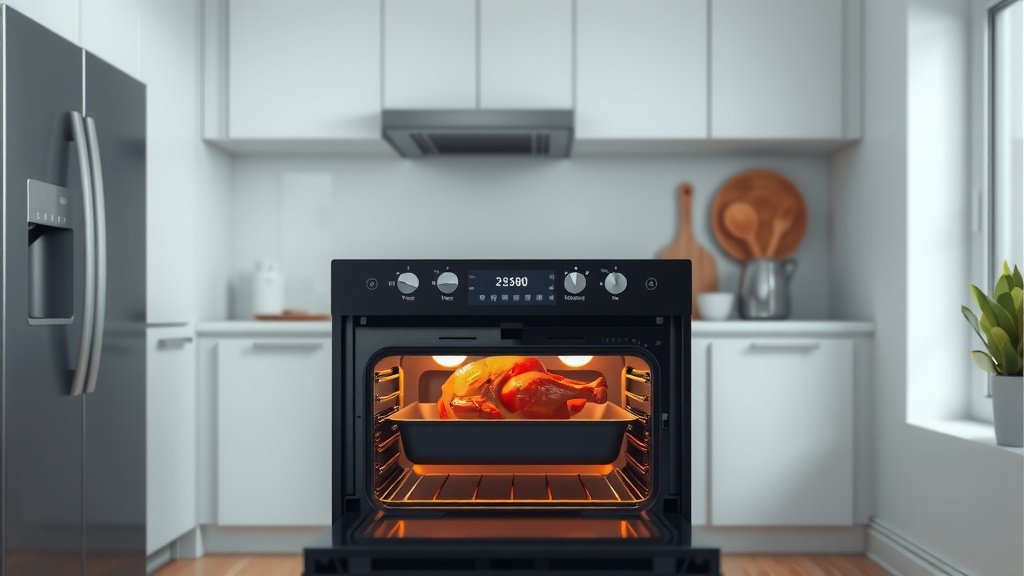
To cook chicken in a smart oven automatically, you simply insert its temperature probe into the thickest part of the meat and select a pre-programmed poultry setting. The oven then monitors the internal temperature, adjusting cooking time and heat to perfectly cook your chicken.
Many smart ovens offer dedicated chicken cooking modes, allowing you to choose desired doneness and receive alerts on your smartphone when your meal is ready, providing a truly hands-off experience.
- Smart ovens use temperature probes and pre-set programs to cook chicken.
- You’ll insert a probe into the chicken, select the program, and let the oven manage the cooking.
- The oven will adjust temperatures and alert you when your chicken is perfectly done.
- This method offers convenience and helps ensure consistently cooked, juicy chicken.
Picture this: you want a perfectly cooked chicken for dinner, but life is busy. You don’t have time to constantly check the temperature or fret over whether it’s done. This is where your smart oven becomes your culinary sidekick. It’s not just a fancy appliance; it’s a tool designed to simplify your cooking and deliver delicious results. Let’s talk about making your smart oven do the heavy lifting for you.
What Makes an Oven “Smart”?
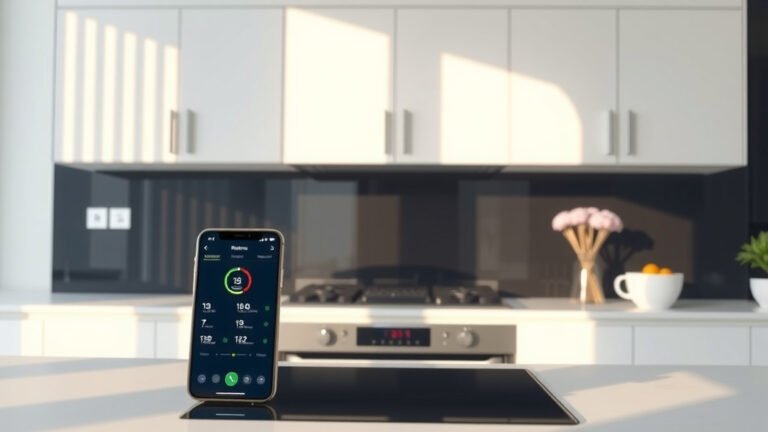
A smart oven is more than just a timer and a heating element. We found that these appliances connect to your home’s Wi-Fi, allowing you to control them remotely via an app on your smartphone or tablet. Think of it as having a direct line to your oven, even when you’re not in the kitchen.
Many experts say the real game-changer is often the built-in sensors and temperature probes. These aren’t just for show; they actively monitor your food’s progress. They take the guesswork out of cooking, especially for meats like chicken, where internal temperature is everything.
The Magic of Smart Oven Probes
Your smart oven’s temperature probe is like its eyes and ears inside your chicken. You simply insert this metal rod into the thickest part of the meat, avoiding bones. It then sends real-time temperature readings directly to the oven’s control panel and, often, to your phone.
We found that this constant monitoring allows the oven to adjust its cooking cycle. Instead of relying on a set time that might overcook or undercook your chicken, the oven cooks until the probe confirms the chicken has reached its safe and delicious internal temperature (USDA recommends 165°F for poultry).
Connecting with Your Oven’s App
Most smart ovens come with a dedicated app. This app lets you preheat the oven on your way home, choose cooking modes, and even start or stop cycles. For cooking chicken automatically, the app truly shines.
It provides status updates, telling you how much longer your chicken needs. You’ll get notifications when the chicken is almost done or has reached its target temperature. This means less hovering and more freedom for you.
Pre-Programmed Chicken Settings
Many smart ovens offer a variety of pre-programmed settings for common dishes. You might find options like “Whole Chicken,” “Chicken Breast,” or “Poultry Roast.” These settings are designed to take the guesswork out of cooking specific items.
When you select one of these, the oven already knows the target internal temperature and might even suggest optimal cooking methods or temperatures. It’s like having a chef’s guide built right into your appliance.
Choosing the Right Smart Setting for Your Chicken
When you’re ready to cook, your smart oven typically guides you through the process. You’ll usually select the type of chicken you’re cooking and its weight. Some advanced models might even “see” your food and suggest the best settings themselves!
A Step-by-Step Guide for Smart Chicken
Cooking chicken automatically in your smart oven is quite simple once you get the hang of it. Here’s a quick walkthrough to get you started.
- Prep Your Chicken: Pat the chicken dry, season it, and place it in a suitable roasting pan.
- Insert the Probe: Push the oven’s temperature probe into the thickest part of the chicken breast, avoiding bones.
- Select the Smart Setting: On your oven’s panel or app, choose the “Poultry,” “Whole Chicken,” or “Roast Chicken” setting.
- Confirm Target Temperature: The oven should display the target temperature, usually 165°F (USDA). Confirm it.
- Start Cooking: Press start, and the oven will begin preheating and cooking.
- Monitor Progress: Watch the cooking progress on your oven’s display or through your smartphone app.
- Rest Your Chicken: Once done, remove the chicken, let it rest, and enjoy!
Why Trust Your Smart Oven?
You might wonder if you can truly trust an appliance to cook your dinner perfectly. Research and found that smart ovens excel at maintaining consistent temperatures and accurately monitoring internal food temperatures. This removes a lot of the common cooking errors.
Many guidelines point to precise temperature control as a key factor in food safety and flavor (USDA). Smart ovens are designed to deliver just that. They help you achieve that perfectly juicy, tender chicken every single time.
Here’s a look at how different smart features help cook your chicken:
| Smart Feature | How It Helps Cook Chicken | Benefit to You |
|---|---|---|
| Temperature Probe | Monitors internal chicken temperature in real-time. | Ensures perfect doneness; no undercooked or overcooked chicken. |
| Smartphone App | Allows remote control, status checks, and notifications. | Convenience; manage cooking from anywhere in your home or beyond. |
| Pre-programmed Settings | Uses optimized temperatures and times for poultry. | Eliminates guesswork; reliable results for various chicken cuts. |
| Sensor Cooking | Detects moisture and doneness, adjusting cooking as needed. | Hands-off cooking; oven manages conditions automatically. |
Ensuring Food Safety with Smart Ovens
Food safety is always a top concern, especially with poultry. The beauty of the smart oven’s temperature probe is that it ensures your chicken reaches the minimum safe internal temperature of 165°F (USDA). This takes the guesswork out of food safety.
Always double-check the probe’s placement to ensure it’s in the thickest part of the meat and not touching any bone, which can give a false reading.
Troubleshooting Smart Oven Quirks
Sometimes, technology can have its moments. If your smart oven isn’t connecting to Wi-Fi, try resetting your router or moving the oven closer to it. If the probe seems to be giving strange readings, ensure it’s fully inserted and clean.
Most manufacturers offer clear troubleshooting guides in their manuals or on their websites. A quick look there often solves common issues.
Tips for Resting Your Chicken
Even with a smart oven, the final step for juicy chicken is crucial: resting. Once the oven signals your chicken is done, remove it and loosely tent it with foil. Let it rest for 10-15 minutes before carving.
This resting period allows the juices to redistribute throughout the meat, making every bite more flavorful and tender. Skipping this step can lead to dry chicken, even if it was cooked perfectly (Food Network Kitchen).
The Future of Automated Cooking
Smart ovens are continually evolving. We found that newer models are even incorporating artificial intelligence and more advanced sensor technology. This means they might soon automatically identify the dish you place inside and suggest recipes or cooking methods.
Imagine simply putting your chicken in, closing the door, and your oven taking care of the rest. That level of automation is becoming a reality, making cooking easier and more enjoyable for everyone.
Conclusion
Cooking chicken automatically in a smart oven is a game-changer for busy home cooks. By leveraging features like temperature probes, smartphone apps, and pre-programmed settings, you can achieve consistently perfect, safe, and delicious chicken with minimal effort. It allows you to step away from constant monitoring and enjoy more time doing what you love. Embrace your smart oven; it’s there to make your life simpler and your meals tastier.
Can I cook frozen chicken in a smart oven automatically?
It’s generally not recommended to use automatic probe settings for frozen chicken. The probe might not get an accurate reading, and cooking times can vary greatly. It’s best to thaw chicken completely before using your smart oven’s automated features for optimal and safe results.
Do all smart ovens have temperature probes?
While many advanced smart ovens include temperature probes, not all models do. Check your oven’s specifications or manual to confirm if this feature is available. If not, you can still use manual settings or a separate smart thermometer to monitor progress.
How do I clean the temperature probe after cooking chicken?
After each use, clean the temperature probe with warm, soapy water. Use a soft sponge or cloth to wipe it down. Make sure it’s completely dry before storing it. Avoid harsh abrasives or submerging the entire probe and its connection point in water.
What if my smart oven loses Wi-Fi connection during cooking?
If your smart oven loses its Wi-Fi connection, it will typically continue cooking based on the last instructions received. You won’t be able to monitor it via the app, but the oven itself will still complete the cooking cycle. You can always check its progress directly on the oven’s display.
Can I adjust the target temperature for chicken in a smart oven?
Yes, most smart ovens allow you to override or adjust the default target temperature for poultry. While 165°F is the standard for safety, some cooks prefer a slightly higher temperature for certain cuts or personal preference. Always ensure you reach at least the minimum safe temperature.