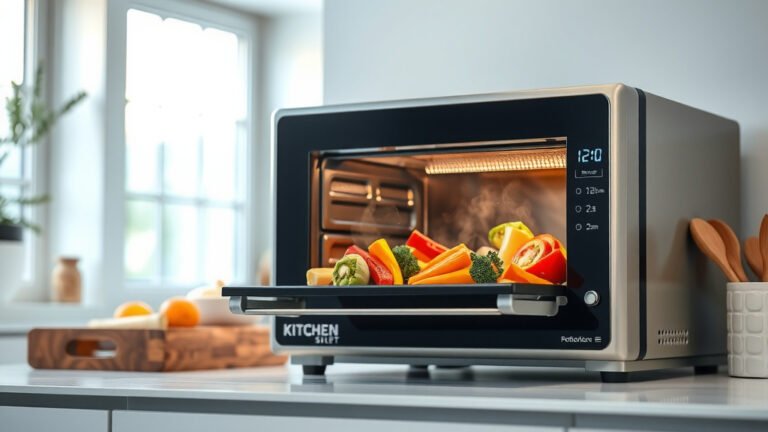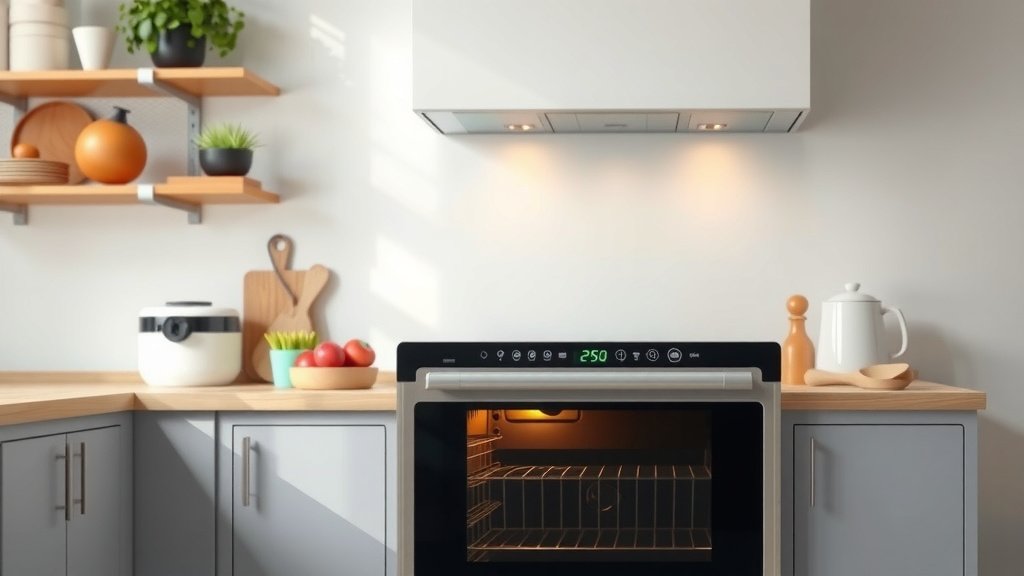
To set your smart oven to cook while away, you first need to ensure it’s connected to your home Wi-Fi and that you have its companion app installed on your smartphone. From there, you can typically schedule cooking times, preheat, and even adjust temperatures remotely.
Always prioritize safety by ensuring food is properly placed and perishable items are not left out for extended periods before cooking begins.
Here’s a quick overview of what you’ll learn about remote oven cooking:
- Discover how to connect your smart oven to Wi-Fi.
- Learn the steps for scheduling meals using your phone.
- Understand key safety tips for cooking while you’re out.
- Find out how to monitor your food from anywhere.
- Explore common issues and straightforward solutions.
How To Set Smart Oven To Cook While Away?
Setting your smart oven to cook while you’re not home begins with proper setup and understanding its remote capabilities. It’s a convenient way to come home to a warm meal ready to enjoy.
Understanding Your Smart Oven’s Remote Features
Smart ovens bring kitchen tech into the modern age. They allow you to control cooking functions using an app on your phone. Think of it as having your kitchen assistant always within reach.
Many smart ovens offer features like remote preheating, temperature adjustments, and timer settings. Some high-end models even let you check on your food using an internal camera.
Is Remote Cooking Safe?
Safety is always the primary concern when using appliances remotely. Most smart ovens have built-in safety protocols. We found that most manufacturers include features like automatic shut-off and error notifications (Consumer Reports).
However, your personal oversight is still vital. You need to prepare food correctly and follow all guidelines. Never leave highly perishable food in a cold oven for too long before it starts cooking.
Essential Setup Steps Before You Leave
Before you even think about leaving your home, some crucial steps are needed. These ensure a smooth and safe remote cooking experience. Getting these right prevents stress later on.
First, confirm your oven is connected to your home Wi-Fi network. Next, download the specific app for your oven model. These apps are usually free and available for both Android and Apple devices.
Connecting Your Oven to Wi-Fi
Connecting your smart oven to Wi-Fi is usually a simple process. Many experts say you should follow the instructions in your oven’s manual. It typically involves finding the Wi-Fi settings on the oven’s display.
You’ll then use the companion app on your phone to pair with the oven. This creates the link needed for remote control. Ensure your Wi-Fi signal is strong where your oven is located.
Downloading the Companion App
Your smart oven brand, like GE, Samsung, or Whirlpool, will have its own app. Search for it in your phone’s app store. Install it and create an account, if required.
Once installed, the app will guide you through connecting it to your specific oven. This pairing is essential. It’s like giving your phone the “keys” to control the oven.
Scheduling Your Meal: A Step-by-Step Guide
Once your oven is connected and the app is ready, scheduling your meal is straightforward. Imagine setting your oven to start cooking an hour before you get home. It’s a great feeling.
Here are the general steps you’ll follow within your oven’s app:
- Open your smart oven’s mobile application.
- Select your connected oven from the device list.
- Choose the “Remote Start” or “Schedule Cook” option.
- Set your desired cooking temperature and time.
- Place your prepared food safely inside the oven before you leave.
- Confirm the settings and activate the remote start.
Setting the Timer and Temperature
Inside the app, you’ll see familiar controls for temperature and time. Dial in the settings exactly as your recipe calls for. Double-check these numbers before confirming.
Some apps even let you choose specific cooking modes. For example, you might select “Bake” or “Roast.” This gives you fine control, even from miles away.
Monitoring Progress from Afar
The beauty of a smart oven is the real-time feedback. Your app will often show you the current oven temperature. It might also display remaining cook time.
Some advanced models will send you notifications when cooking finishes. You can even adjust settings or turn off the oven if your plans change. This provides great peace of mind.
What If My Internet Goes Out?
This is a common question. If your home internet connection drops, your smart oven will lose its remote capabilities. It will likely continue its current cooking cycle based on its last instruction.
However, you won’t be able to make new adjustments or turn it off remotely. This is why having a stable internet connection is important for consistent remote cooking. Many experts recommend a reliable Wi-Fi setup.
Top Tips for Smart Oven Success While Away
To make the most of your smart oven, keep these practical tips in mind. They help ensure both convenience and safety. A little planning goes a long way.
Here’s a quick checklist for you:
- Always place food in the oven before leaving.
- Do not leave highly perishable foods in a cold oven for too long.
- Verify your Wi-Fi connection is stable.
- Test the remote functions before your first “away” cook.
- Have a backup plan if remote cooking isn’t possible (e.g., slow cooker).
- Keep your oven’s app updated for the best performance.
Consider Food Type and Perishability
This is a critical safety point. Foods like raw chicken or fish should not sit at room temperature for hours. We found that most food safety guidelines advise against this (USDA).
For remote cooking, consider less perishable items initially. Casseroles or baked goods might be safer. If cooking meats, ensure the cooking starts soon after placement.
Test Your Remote Features First
Don’t wait until you’re far from home to try remote cooking for the first time. Test all features while you’re still in the house. Try preheating it from another room.
This helps you get comfortable with the app and oven interaction. It also helps you troubleshoot any connection issues before they become a real problem.
Potential Pitfalls and How to Avoid Them
Even with smart technology, sometimes things don’t go as planned. Being aware of common issues helps you avoid frustration. It also lets you be prepared for anything.
| Potential Pitfall | How to Avoid It |
|---|---|
| Wi-Fi disconnects | Ensure a strong router signal; restart router if needed. |
| App crashes or freezes | Keep the app updated; restart your phone if issues arise. |
| Food not cooking properly | Double-check temperature and time settings in the app. |
| Forgetting to put food in oven | Make it a habit to load food right before leaving. |
Conclusion
Setting your smart oven to cook while away is a fantastic convenience. It offers a new level of flexibility in your daily routine. By following careful setup and safety steps, you can confidently use this feature.
Always prioritize food safety and test your system. You’ll soon enjoy coming home to warm, perfectly cooked meals with minimal effort. It truly changes your kitchen experience.
Can I preheat my smart oven remotely?
Yes, most smart ovens allow you to preheat remotely through their dedicated mobile app. You simply select the desired temperature and initiate the preheating cycle from your smartphone, ensuring it’s warm and ready when you arrive.
What if I forget to put the food in the oven before setting it to cook remotely?
If you forget to place food in the oven, it will simply run empty. There’s no harm to the oven itself, but your meal won’t be cooked. Always make sure your dish is loaded before you enable remote cooking.
Do all smart ovens have remote cooking capabilities?
While many newer models of smart ovens include remote cooking, it’s not a universal feature. Always check the specific model’s specifications or product manual to confirm if it supports remote operation before purchasing.
How far away can I be to control my smart oven?
As long as your smart oven is connected to your home Wi-Fi and your phone has an internet connection (either Wi-Fi or cellular data), you can control it from virtually any distance. There are no geographical limits once connected.
Can I receive alerts from my smart oven when cooking is finished?
Yes, many smart oven apps offer notifications to your smartphone when a cooking cycle is complete or if there’s an error. This keeps you updated on your meal’s progress even when you’re not in the kitchen.