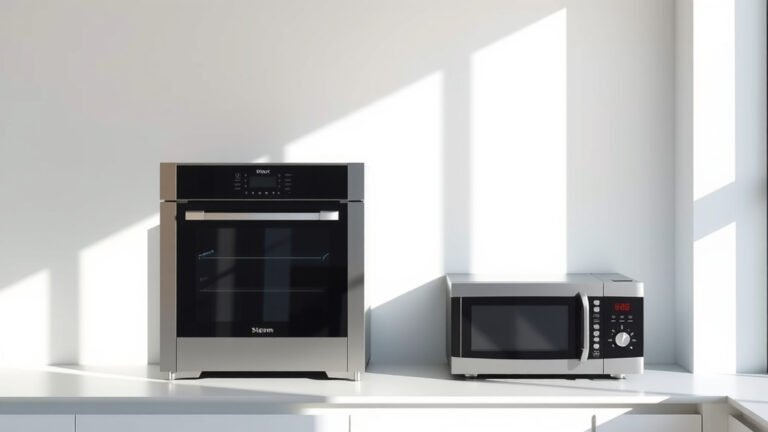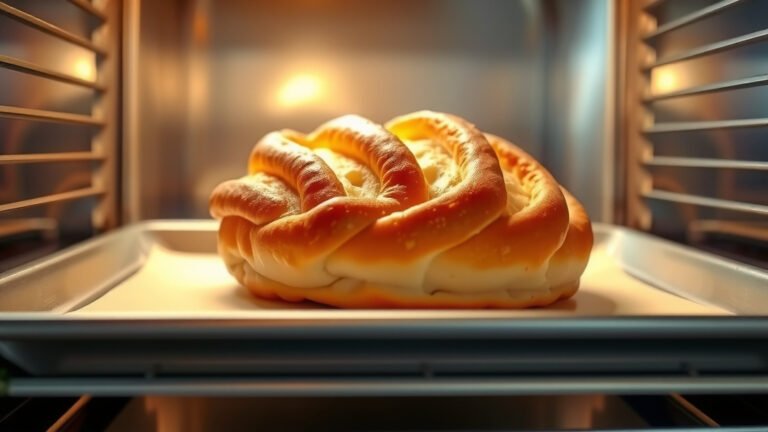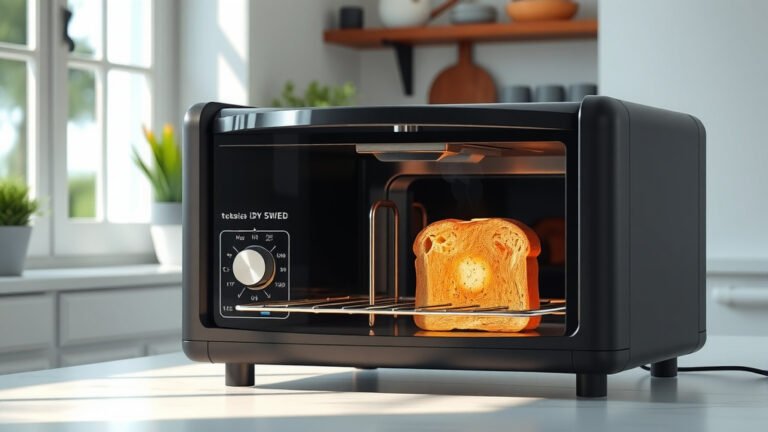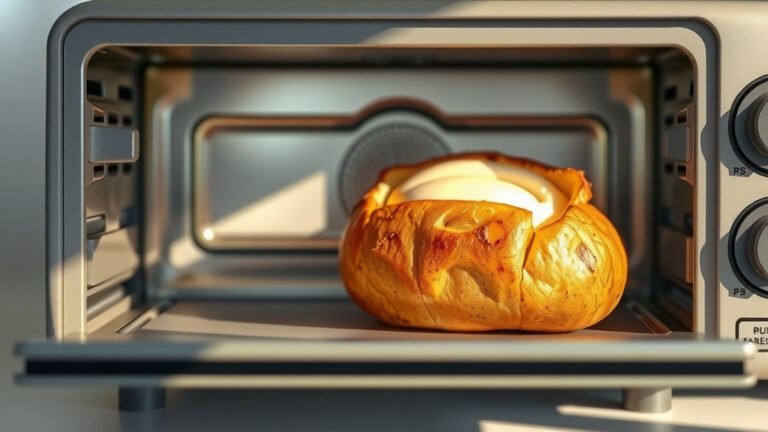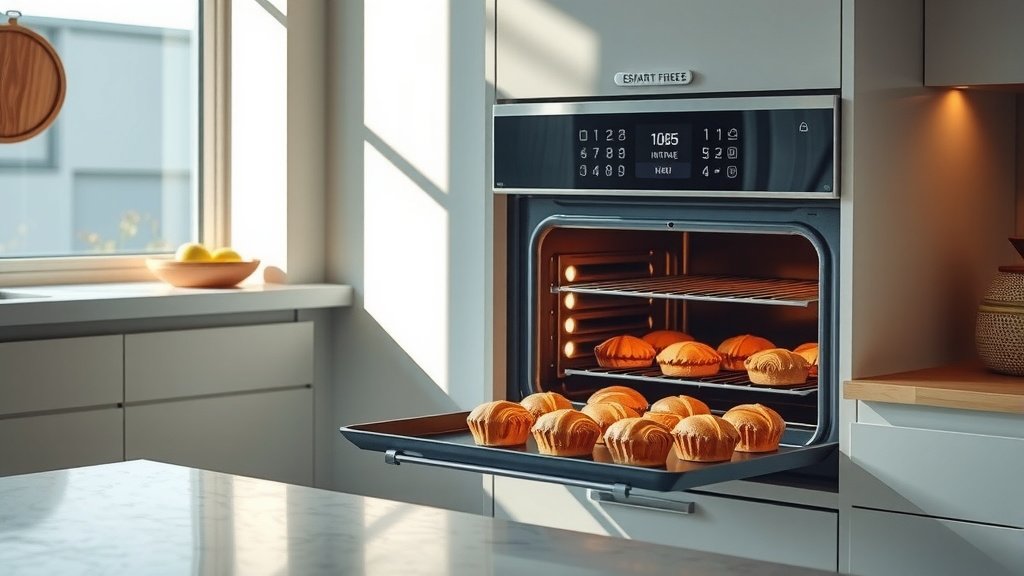
Using smart oven presets for baking generally means selecting a pre-programmed setting on your oven’s control panel for common foods like cookies, cakes, or pizza. This automatically adjusts temperature and cooking time for consistent results.
You typically choose the food item, sometimes specify weight or desired doneness, and the oven handles the rest, simplifying your baking process.
- Smart oven presets simplify baking by auto-setting temperature and time.
- You just select the food item; the oven does the hard work for you.
- They boost consistency, making your baking more predictable and often better.
- Even with presets, quick checks and adjustments can improve your results.
- Understanding your oven’s specific features makes using presets much easier.
How To Use Smart Oven Presets For Baking?
Using smart oven presets for baking means you select a programmed setting, and your oven takes care of the temperature and timer. This takes much guesswork out of preparing your favorite baked goods.
It’s like having a little chef inside your oven, guiding the process for you.
What Exactly Are Smart Oven Presets?
Think of smart oven presets as your oven’s built-in cheat sheet for popular recipes. Each preset is a pre-programmed sequence. It includes a specific temperature, cooking time, and sometimes even a cooking mode, like convection.
These settings are optimized for particular foods, making baking easier. Many manufacturers calibrate these settings extensively (Consumer Reports).
Why Bother With Presets? Aren’t Manual Settings Fine?
Manual settings are perfectly fine for experienced bakers. But presets offer a distinct advantage: consistency and convenience. Ever wonder why your cookies sometimes burn but are perfect other times?
Presets help eliminate those variables. They ensure your oven hits the optimal temperature and duration every single time. We found this often leads to more reliable outcomes.
Getting Started: Finding Your Oven’s Presets
First, grab your oven’s manual. It’s your best friend here. Every smart oven model can differ slightly. Your manual will show you exactly where the preset options are located. Often, they are clearly labeled on the display.
Look for buttons or menu options that say “Bake,” “Roast,” “Pizza,” or specific food items.
General Steps for Using Presets
It’s usually quite simple. First, prepare your food as usual. Place it in the oven. Next, navigate to the preset menu on your oven’s control panel. Select the specific food item you are baking.
Some ovens might ask for the weight or desired doneness. Confirm your selection, and press start. Your oven does the rest.
Choosing the Right Preset for Your Dish
This is where a little thought comes in. If you’re baking chocolate chip cookies, don’t pick the “pizza” preset. Always match the preset to the food item as closely as possible. If there isn’t an exact match, choose the one that is most similar.
For example, if you’re baking a quick bread and there’s no “quick bread” option, “cake” might be a good substitute.
When to Adjust Preset Times
Presets are a great starting point, but they aren’t always perfect for every recipe or oven. Recipes vary, and your oven might run slightly hotter or cooler. We found that it’s smart to check your food a few minutes before the preset time ends.
Use a thermometer for meats or a toothpick for cakes to confirm doneness. Many experts say a visual check is often the best first step.
Benefits of Embracing Smart Oven Presets
- Less Stress: Removes the pressure of guessing times and temperatures.
- Better Results: Designed for optimal cooking, leading to tastier food.
- Time-Saving: Quick setup means you get your food baking faster.
- Energy Efficiency: Some presets are optimized to use less power (Energy Star guidelines often promote this).
- New Baker Friendly: Helps new cooks achieve pro-level results without the experience.
A Look at Common Presets and Their Power
Different ovens offer different presets. Here’s a quick table to show some common ones and what they often mean for your baking:
| Preset Name | What It Often Does | Best For |
|---|---|---|
| Bake | Standard heat from top and bottom. | Cakes, breads, cookies, casseroles. |
| Convection Bake | Uses a fan to circulate hot air evenly. | Multiple trays of cookies, pies, roasted vegetables. |
| Pizza | Often combines high heat with bottom heating element. | Frozen pizzas, homemade pizzas with crisp crusts. |
| Cookies | Optimized for even browning and chewy centers. | Drop cookies, bar cookies. |
| Proof | Low, consistent heat for rising dough. | Yeast breads, pizza dough. |
Pre-Baking Checklist with Presets
Even with smart technology, a quick check can save your baking. Here’s what we suggest:
- Read your recipe fully.
- Gather all ingredients.
- Preheat the oven if required by the recipe or preset.
- Check your bakeware size.
- Ensure proper rack placement.
Overcoming Common Preset Problems
Sometimes, presets don’t work as expected. Is your cake still gooey? Your oven might need calibration. Is your pizza burnt on the bottom? Maybe your oven runs a little hot. Most smart ovens allow minor temperature adjustments. Check your manual. Also, consider the age of your oven; older ovens can be less precise.
Many experts suggest having an external oven thermometer to check actual temperature readings.
When to Skip the Preset and Go Manual
Presets are wonderful, but not for everything. If you’re experimenting with a brand-new, complex recipe, manual settings might be better. This allows you full control over temperature changes or special cooking instructions. Also, for delicate items needing precise, specific temperatures that don’t match a preset, manual is often the way to go.
For truly unique creations, personal judgment is still king.
Conclusion
Smart oven presets are designed to be your baking sidekick, simplifying the process and boosting consistency. They take the guesswork out of common tasks, letting you bake with more confidence. While they offer incredible convenience, remember to use your judgment. Always check on your food, especially if it’s a new recipe or your oven behaves uniquely. With a little practice, you’ll be using your smart oven presets like a pro, enjoying perfectly baked goods every time.
How do I know which preset to use for a new recipe?
Always try to match the preset name to your recipe’s main ingredient or cooking style. If baking a pie, look for a “pie” or “bake” preset. If unsure, the “bake” setting is a safe, general option that works for many dishes.
Can I override a preset’s temperature or time?
Yes, most smart ovens allow you to make minor adjustments to the temperature or cooking time even after selecting a preset. This flexibility lets you fine-tune the preset to your specific needs, like baking a little longer for a crispier crust.
Do I still need to preheat my oven with presets?
Generally, yes. Many presets are designed assuming the oven starts at the correct temperature. While some smart ovens might integrate preheating into the preset, it’s always best to follow your recipe’s preheating instructions or allow the oven to reach the set temperature before placing food inside.
Are smart oven presets truly more energy-efficient?
Some smart oven presets, particularly those labeled “convection bake,” can be more energy-efficient because they cook food faster and more evenly. This means less time the oven needs to be on. We found that optimizing your oven use can definitely reduce energy consumption.
What if my baked goods aren’t turning out well with presets?
If your results are consistently off, check your oven’s manual for calibration tips or consider contacting customer support. Also, try using an oven thermometer to verify your oven’s actual temperature. Sometimes, slight variances in oven temperature can affect baking outcomes.