How to Choose a Double Oven with Delay Start
Choose a double oven with delay start by checking which cavity can be scheduled, what cooking modes support the feature, and how each oven's timer works. Read the manual for limits, then match the controls to the meals you actually plan.
On this page (8 sections)
- What should you check on a double oven with delay start?
- How does delay start differ from a timer?
- How do you compare scheduling limits?
- Which cavity and capacity should you schedule?
- What safety guidance matters for delayed cooking?
- Which products can help with oven planning or care?
- What should you ask before buying a double oven?
- How do you choose a double oven with delay start?
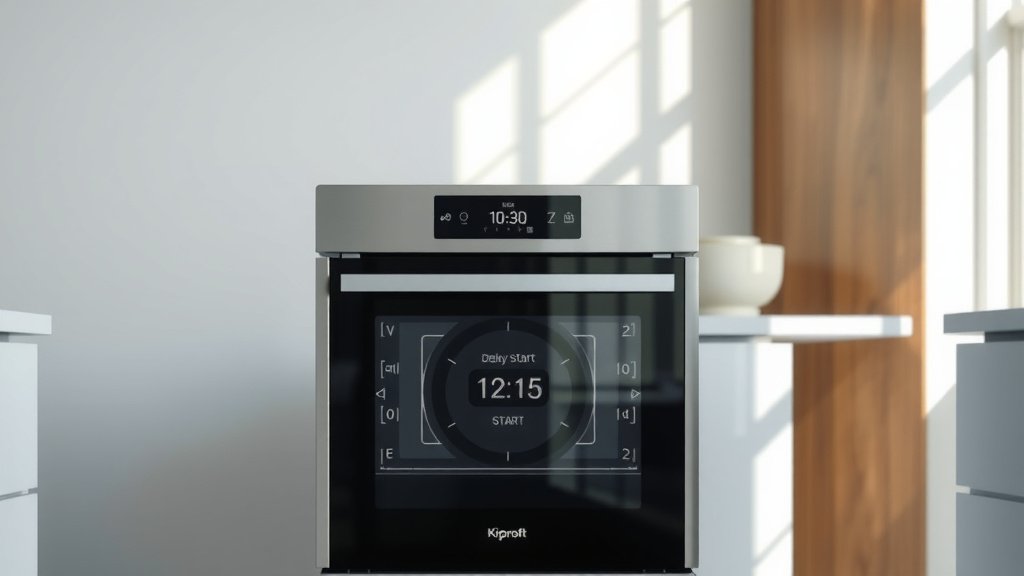
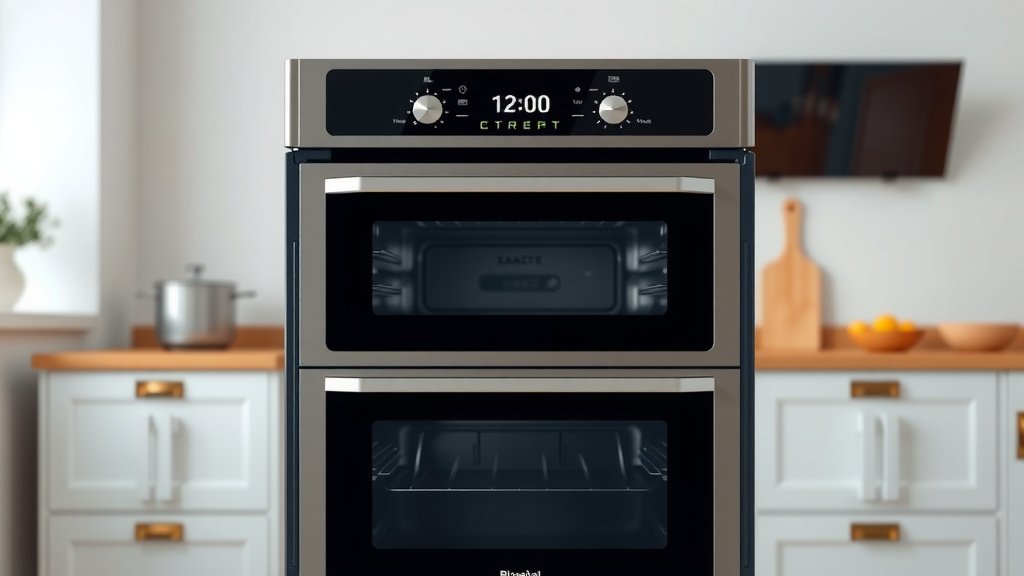
A double oven with delay start should let you schedule cooking in the cavity and mode you need, with clear controls for when heating begins and ends. Before buying, confirm which cavity supports delayed cooking, whether the feature works with the modes you use, and what limits the manual sets.
The feature can make meal timing easier, but “delay start” does not describe one universal control system. Compare the actual scheduling steps and safety guidance in the manual for each model you consider.
If you're still deciding whether two cavities suit your kitchen, start with what a double oven is and how a double oven works.
What should you check on a double oven with delay start?
Check cavity access, supported cooking modes, start-time controls and shutoff behavior. The feature is useful only when it can handle the way you plan to cook.
| Check | What to confirm |
|---|---|
| Cavity | Does delay start work in the upper oven, lower oven or both? |
| Mode | Which modes can be scheduled, such as bake or convection bake? |
| Timing | How far ahead can you set the start, and in what increments? |
| End time | Is there a separate cook time or automatic shutoff? |
| Simultaneous use | Can one cavity run while the other uses a delayed schedule? |
| Controls | Are the clock and settings easy to read and adjust? |
| Safety limits | Does the manual restrict foods, cookware or cooking modes? |
Model manuals give the most reliable answers to these questions. If a feature description only says “delay start,” look for the full control instructions before treating it as a match.
Does the delay start work in both cavities?
Some double ovens may have separate control panels or different functions for each cavity. Confirm the feature for each oven instead of assuming the controls are shared.
Also check whether both cavities can be scheduled independently. If you want a side dish to start later than the main course, the oven needs to support those separate settings.
Which cooking modes can be scheduled?
Find out whether the delayed schedule applies to the mode you actually use. A model might support scheduling for some settings while excluding others, so check the manual's instructions for bake, convection and any specialty modes you care about.
The manual should also explain whether preheating is part of the scheduled cycle. If you need precise meal timing, account for the time it takes the oven to reach temperature.
How does delay start differ from a timer?
Delay start chooses when heating begins; a timer sets a duration or alerts you about elapsed time. Some ovens combine these steps in one sequence, but they perform different jobs.
A scheduled start does not necessarily set a cooking length. If you want the oven to stop heating after a set period, check whether the controls include a separate cook-time or automatic-shutoff option.
For step-by-step instructions, see how to use delay start on an electric oven. The exact button sequence can vary by brand and model.
The timer also deserves its own check. Learn how to set a timer on a double oven once you've confirmed how your model's controls behave.
How do you compare scheduling limits?
Compare the maximum delay, time increments and end-of-cycle behavior. These details show whether the controls fit your routine, from an evening meal to a longer prep schedule.
| Limit | Why it matters |
|---|---|
| Maximum delay | Sets how far ahead you can schedule cooking |
| Time increments | Affects how closely you can choose the start time |
| Clock format | Can make a setting easier or harder to enter |
| Power interruption | May reset the clock or cancel a schedule |
| Cook duration | Determines whether heating stops after the planned time |
| Alert behavior | Tells you how the oven signals that a cycle has ended |
A clock that resets after a power interruption can affect an unattended schedule. Check the manual's instructions for restoring the clock and see whether a canceled schedule needs to be re-entered.
Look for a clear explanation of how to cancel or adjust a delayed cycle. If those steps are difficult to find, the controls may be harder to manage when plans change.
Which cavity and capacity should you schedule?
Choose a double oven by matching each cavity's usable space to the food and cookware you use. If a single built-in oven suits your needs, compare 24-inch gas wall ovens.
The larger cavity may suit a main dish, while the smaller one may fit a side, but compare interior dimensions and rack positions before deciding.
Capacity alone doesn't show whether your roasting pan or baking sheet fits. Check cavity measurements, rack positions and clearance around the cookware you plan to use.
Think about the times you would use both cavities together. If the upper oven is for small dishes and the lower one for larger pans, see whether each has the same delay and cook-time options.
When you need instructions for a scheduled bake, follow how to set delay bake on a double oven. That guide covers the setting process, while the manual remains the authority for your specific controls.
What safety guidance matters for delayed cooking?
Follow the oven manual's safety limits and food-handling guidance before you schedule a start. Delay start may not be appropriate for every food or situation.
Pay close attention to the manual if you plan to leave food in the oven before cooking begins. Perishable ingredients can need refrigeration until close to cooking time, so don't assume a delayed schedule makes every recipe safe to leave in the cavity.
Also check instructions about cookware, oven liners and modes that cannot be used with delay start. Keep controls and the clock set as directed, and know how to cancel the cycle if plans change.
Which products can help with oven planning or care?
These products serve related oven tasks, but they aren't double ovens with delay start. Use them only if you also need a replacement bake element, a compact countertop oven or a built-in microwave drawer.
Confirm appliance compatibility and follow the relevant manual before installing a replacement part or using any oven.
What should you ask before buying a double oven?
Ask the seller or manufacturer for the model manual and exact feature limits if the answers aren't clear. That gives you details you can compare before choosing.
Use this checklist:
- Does delay start work in both cavities?
- Which cooking modes can you schedule?
- Can the cavities run independently at the same time?
- How far ahead can you set a start?
- Can the oven stop heating after a set cook time?
- What happens after a power interruption?
- Which foods, cookware or modes are excluded?
- Can you easily cancel or adjust a schedule?
Save the manual for the model you're considering. A clear description of the control sequence can tell you more than a feature label alone.
How do you choose a double oven with delay start?
Choose the model whose scheduled cavity, cooking modes and timing limits match your routine. If you plan to cook in both ovens, verify that each can be set independently and that the manual supports the schedule you need.
For a simple bake schedule, pick an oven with controls you can set and cancel confidently. For more complex meal timing, prioritize separate cavity controls and a clear cook-time or shutoff setting, then confirm the instructions in the manual.
Frequently asked questions
Can both cavities on a double oven use delay start?
It depends on the model. Check the manual for each cavity and cooking mode, since scheduling controls may differ between the upper and lower ovens.
Confirm whether both cavities can run on a delayed schedule at the same time before relying on that feature for a meal.
Does delay start mean an oven turns off automatically?
Not always. Delay start sets a future start time, while a cook timer or automatic shutoff controls when cooking ends.
Check the manual to see whether the oven has a separate cook time setting, whether it stops heating at the end, and what alerts it gives.
Can you leave food in an oven before using delay start?
Follow food safety guidance and the oven manual before scheduling a meal. Perishable food should not sit at room temperature for an extended period before cooking, so a delay feature may not suit meals that need to stay chilled until they cook.
What is the difference between delay start and a timer?
Delay start schedules when cooking begins; a timer measures a set period and may alert you or stop the oven, depending on the model. Read the controls as separate functions and check how your oven handles both before setting a delayed meal.